
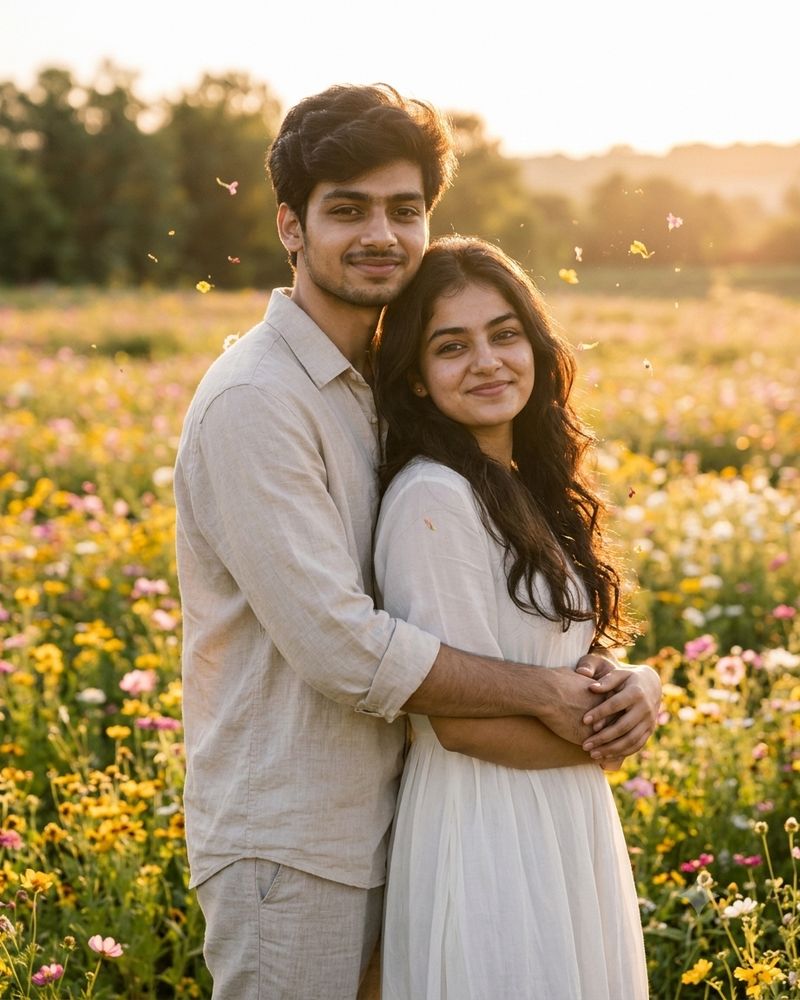
Flower Field Couple Gemini Prompt
Copy this flower field couple Gemini prompt, upload a photo of you both and create a golden-hour portrait with a white dress, linen shirt and soft petals.
- Gemini
- ChatGPT
- Grok
🔥 Trending prompts
Our picks of stylish looks to try. Copy a prompt, upload your own photo and edit it in Gemini, ChatGPT or Grok.
3 looks · 9 prompts to copy
Copy this flower field couple Gemini prompt, upload a photo of you both and create a golden-hour portrait with a white dress, linen shirt and soft petals.
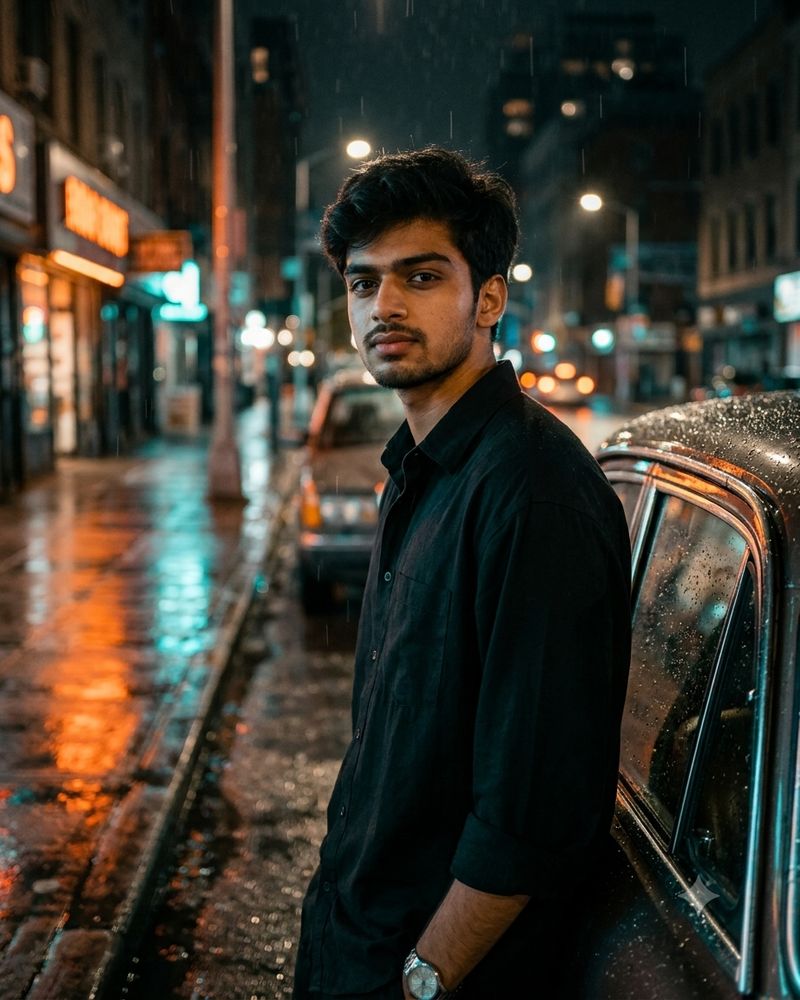
Copy this cinematic night street prompt for boys into Gemini, upload your photo and get a moody portrait with a black shirt, vintage car and neon reflections.
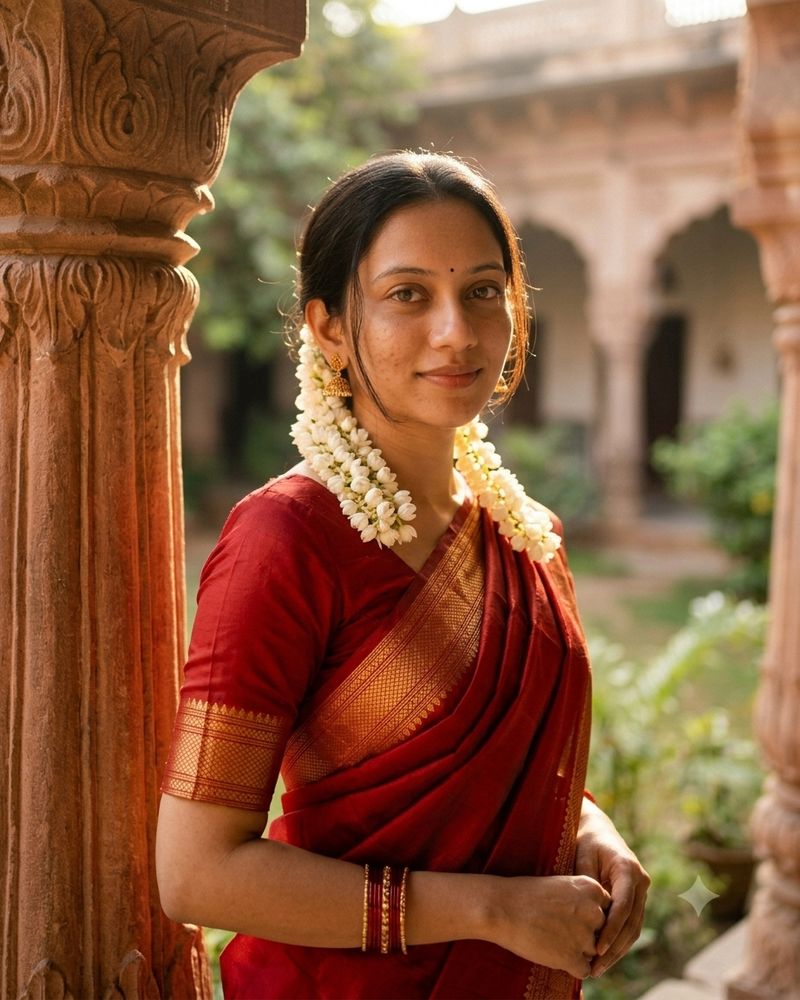
Copy this red silk saree Gemini prompt to turn your photo into a golden-hour portrait with a zari border, jhumkas, a gajra and a heritage courtyard setting.
Looking for a trending Gemini prompt to try? This page brings together our picks: stylish photo edits with one strong idea that is easy to see in the final picture. Every prompt is free, written in plain English, tested on Gemini, ChatGPT and Grok, and written to ask the AI to keep your face the same.
These are editorial picks, not a ranking. We do not measure how often a prompt is shared. We chose looks that are simple to try, work from an ordinary photo and give a clear difference between before and after. AI results vary, so compare the face in every result with your original photo and regenerate if it has changed.
Start with the look that matches your photo. For a single portrait with a traditional feel, open the red silk saree prompt. For a moody night scene with neon reflections, use the cinematic night street prompt. For two people, try the flower field couple prompt. You can also scroll up to see all of these picks in one grid, and each page includes extra variations of the same idea.
A photo edit is easier to control when it has one main idea, for example a golden-hour courtyard or a rainy neon street, instead of ten different ideas mixed together. If you want to make your own version, keep that main idea and change only the colours, clothes or background. Change one or two details at a time, so that you can tell which change caused a problem.
Your input photo matters as much as the prompt. Use a sharp, well-lit picture with the whole face visible, and avoid sunglasses, heavy filters and very small faces. A simple selfie taken near a window is a good place to begin.
A word of caution: you may see copied prompts of poor quality, and some posts ask you to upload photos to unknown websites. Never do that. Use apps you trust. Our prompts are tested on Gemini, ChatGPT and Grok, and the results can differ a little between them. Read our how to use guide for the steps and for safe photo tips.